
How to Make the Dembow Freestyle AI Video, Step by Step
Updated October 11, 2026
Quick answer
Upload one photo to Dembow Freestyle AI, choose face swap (20 credits) or full body (100 credits), and download a 10-second vertical MP4. Face swap keeps the original audio; full body keeps your outfit and photo background but audio isn't guaranteed.
What You Need
- One photo of one person — JPG, PNG or WebP up to 10 MB. A sharp, front-facing, well-lit photo without sunglasses works best.
- A Dembow Freestyle AI account — sign-in is required only to generate.
- Credits: face swap costs 20 per video, full body costs 100. Credits convert at $1 = 100 credits, and new accounts get starter credits.
Step 1 — Pick the Photo
For face swap, use a sharp, well-lit, front-facing photo of one person — eyes visible, no sunglasses or heavy filters.
For full body, a waist-up or full-body photo gives the animation more to work with — and remember, your outfit and your photo's background are what ends up in the clip.
Step 2 — Choose Face Swap or Full Body
Both modes make a 10-second vertical MP4. They differ in what your photo becomes:
| Mode | What it does | Best photo | Credits |
|---|---|---|---|
| Face swap | Your face replaces the lead performer — the clip, moves, crowd and original freestyle audio stay | Front-facing human face | 20 |
| Full body | Your whole photo is animated with the freestyle moves — your outfit and photo background stay; audio isn't guaranteed | Waist-up or full body, one person | 100 |
Step 3 — Generate in the Studio
Open the studio, drop your photo in, pick the mode and hit generate. Face swap usually finishes in a few minutes; full body takes longer.
You can leave the page while it runs — the task keeps going and shows up in your history. Videos are created private.
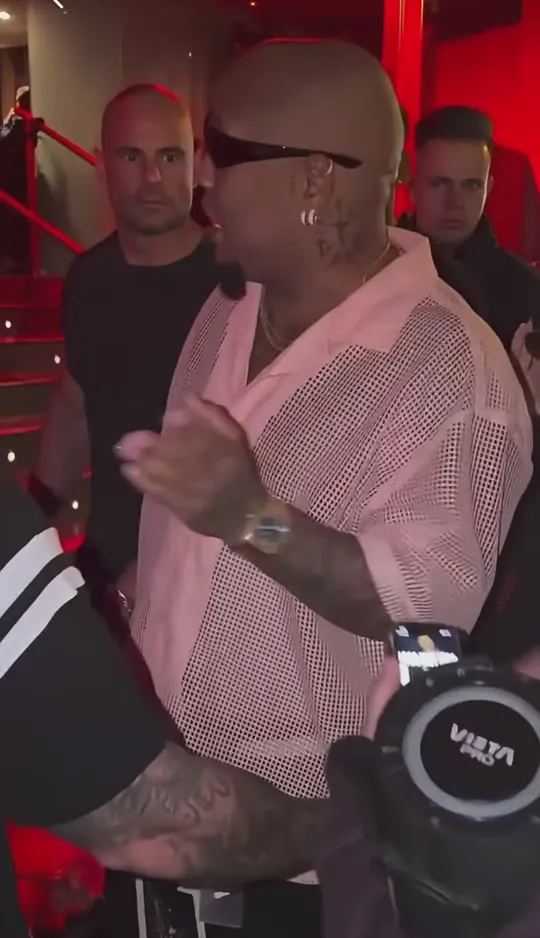
Step 4 — Download and Check the Audio
Face swap keeps the template's 720×1250 frame and the original freestyle audio — what you hear in the trend is what you get.
Full body keeps your outfit and your photo's background, but audio isn't guaranteed — check the result, and if it came out silent, add a sound in TikTok or Reels when you post.
Step 5 — Post Responsibly
- Mark the video as AI-generated when the platform asks.
- Only use photos of yourself or of people who agreed.
- Don't use celebrities or other real people without permission — and never photos of minors.
Photo Do's and Don'ts
Do
- Use a sharp, front-facing photo with even light.
- One person, clearly visible — eyes open, slight smile.
- For full body, include the outfit you want animated.
Don't
- Sunglasses, masks or heavy beauty filters.
- Strong side profiles, tiny faces or crowded group shots.
- Motion blur, harsh shadows or extreme angles.
Troubleshooting
The result has no audio
That can happen with full body — audio isn't guaranteed in that mode. Check the result; if it came out silent, add a sound inside TikTok or Reels when you post.
The face looks off in a few frames
A sharper, more front-facing photo usually fixes it. Small faces in the source photo swap less cleanly — crop in tighter and retry.
The generation is taking a while
Full body takes longer than face swap — a few extra minutes is normal. You can leave the page; the video lands in your history.
The result came out blurry
Start from a higher-resolution photo with the person well lit and unobstructed, then run it again.
Keep Reading
Dembow Freestyle AI Video FAQ
Upload one photo to Dembow Freestyle AI, pick face swap (20 credits) or full body (100 credits), wait a few minutes and download the 10-second vertical MP4.